Algora
Hire the top 1% open source engineers.
Learn more »
Website
·
Discord
·
Twitter
·
YouTube
·
Issues
Algora connects companies and developers for full-time and contract work.
This codebase consists of the following:
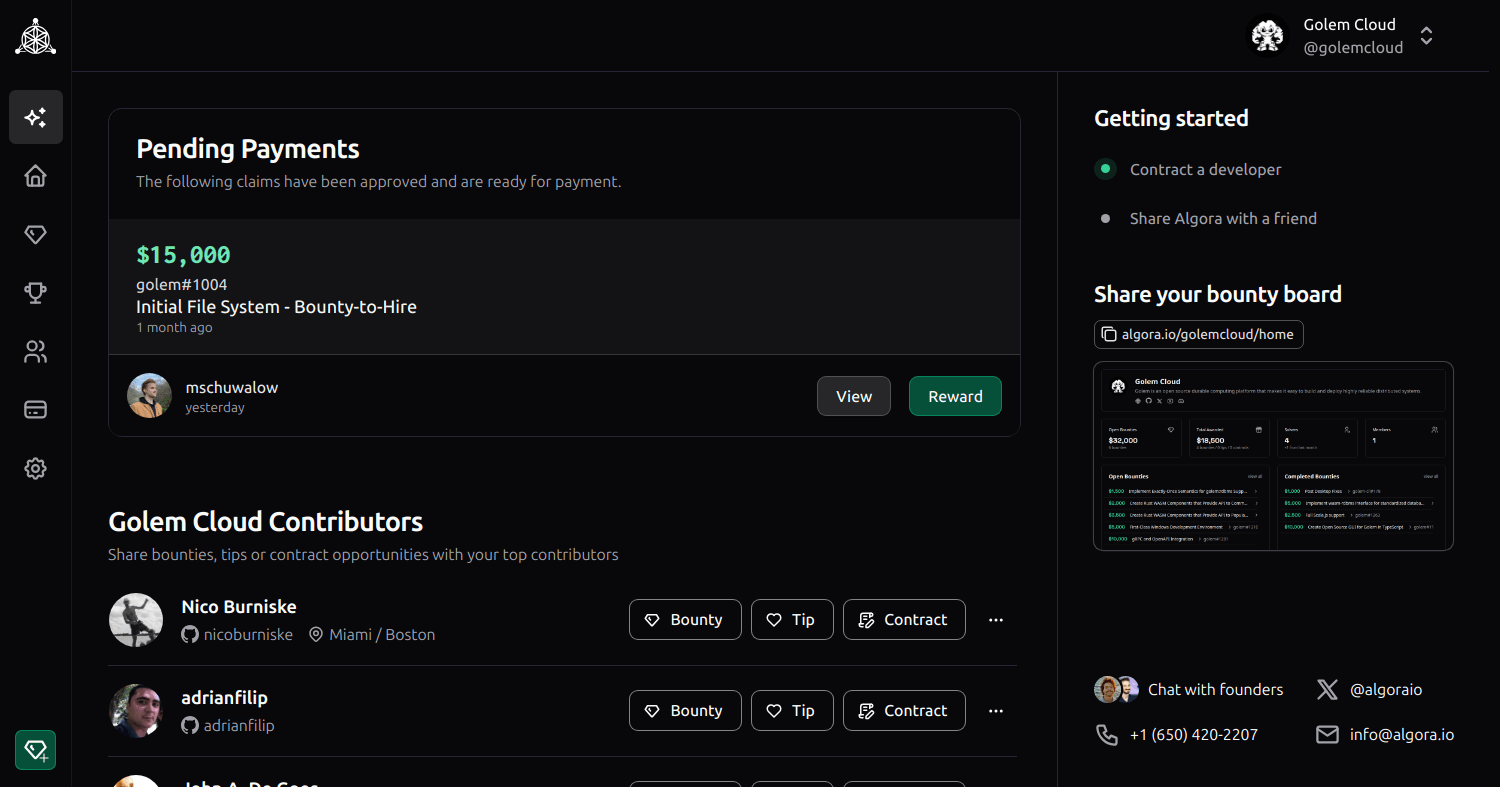
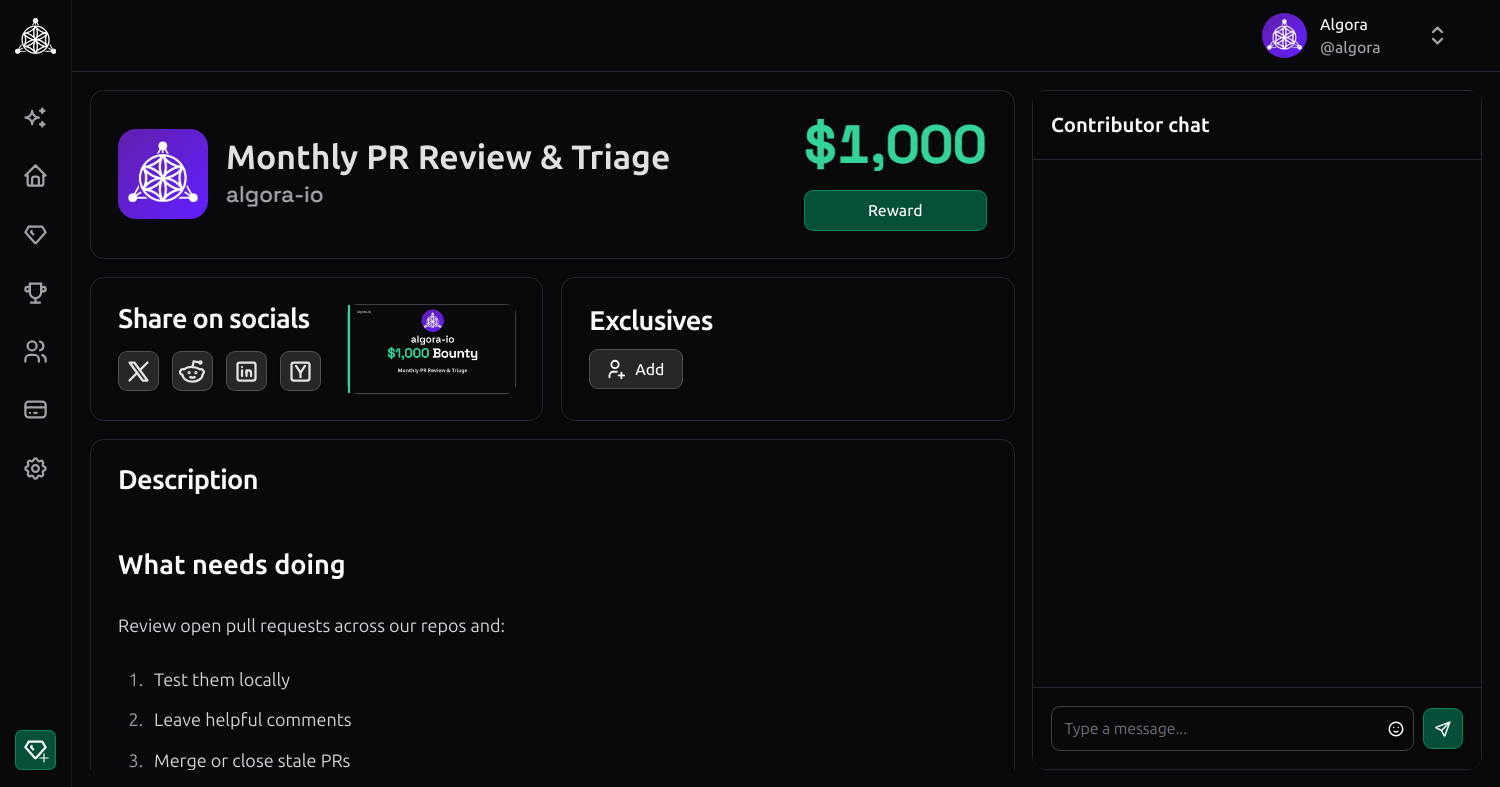
- a web app to publish & manage SWE jobs, contracts & bounties
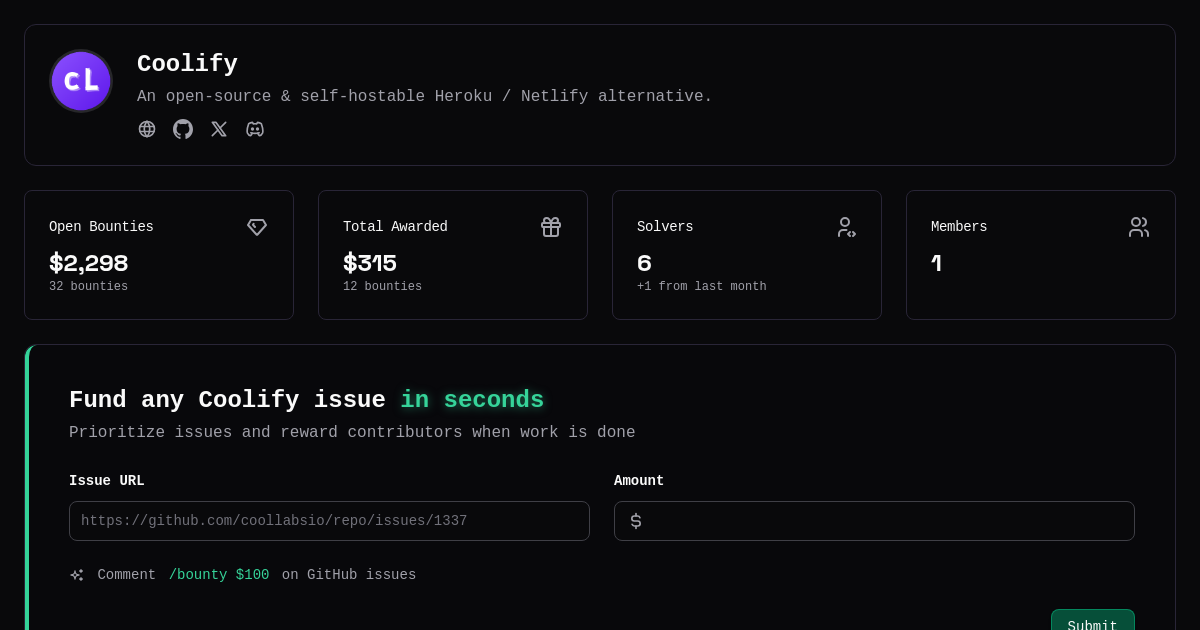
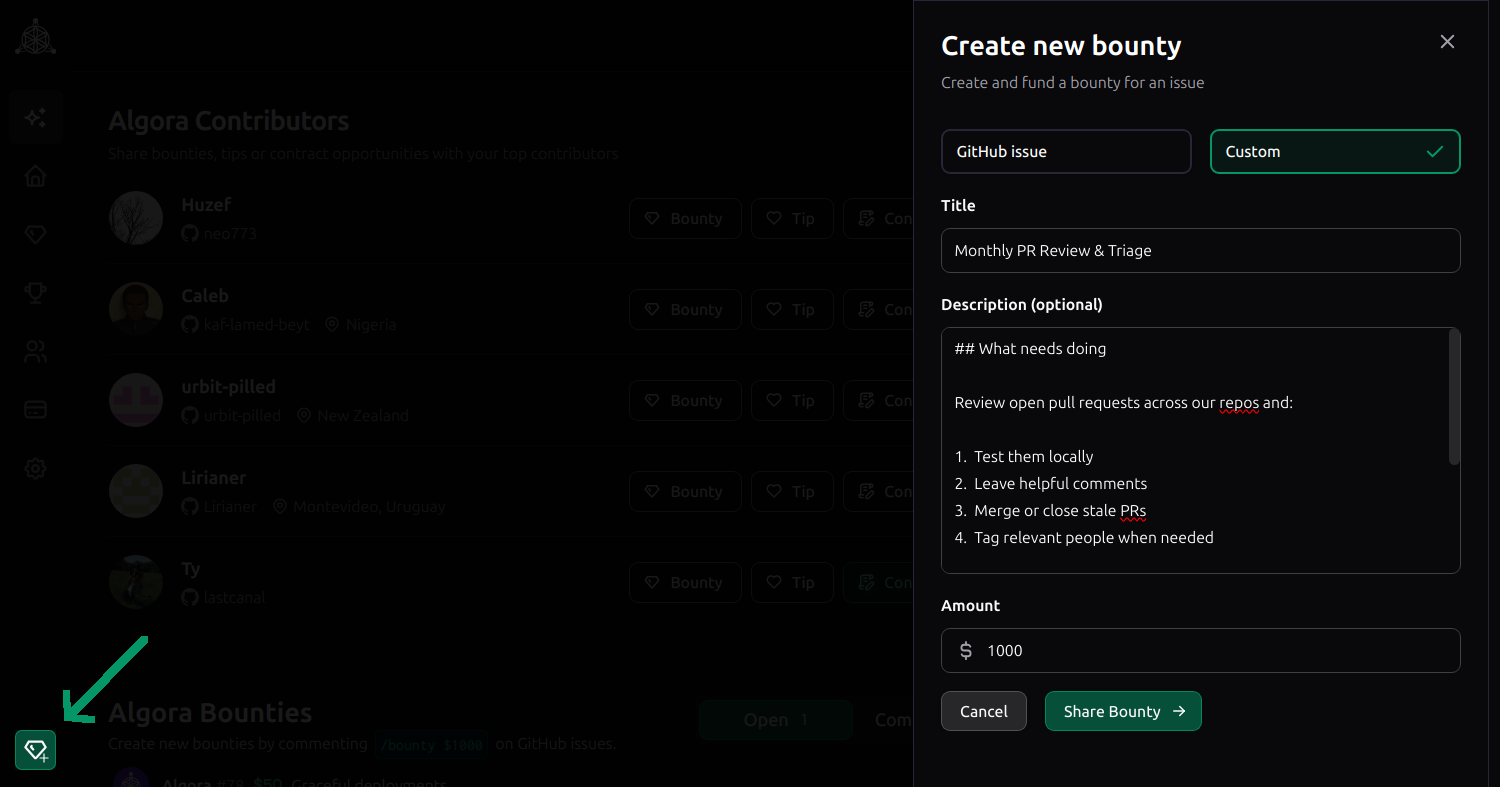
- a GitHub app to create bounties & reward tips on issues and PRs
- a payment processor to handle payouts, compliance & 1099s
OSS communities and closed source teams can self-host or join Algora.io to accomplish the following:
| Use with your | Benefit |
|---|---|
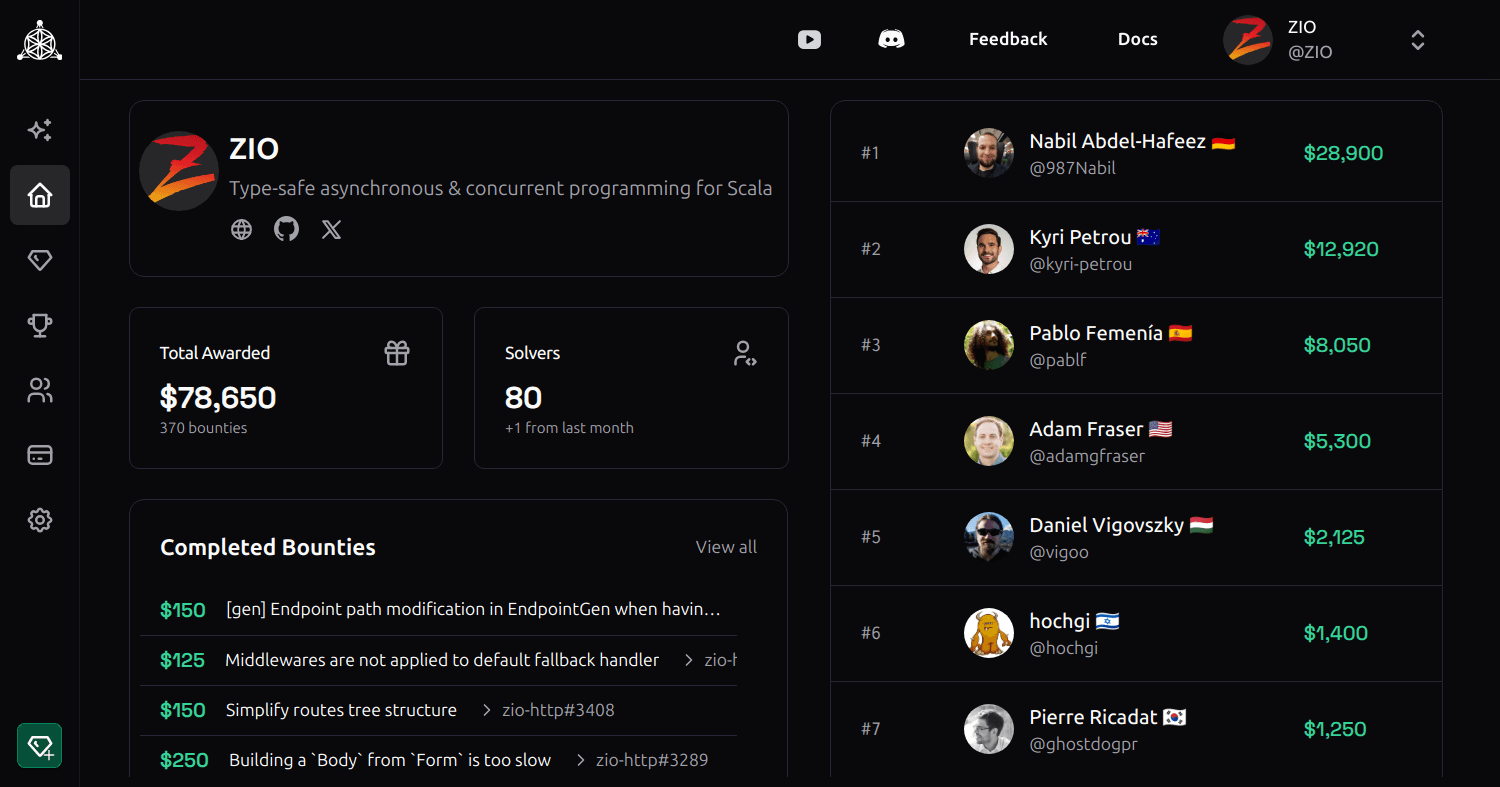
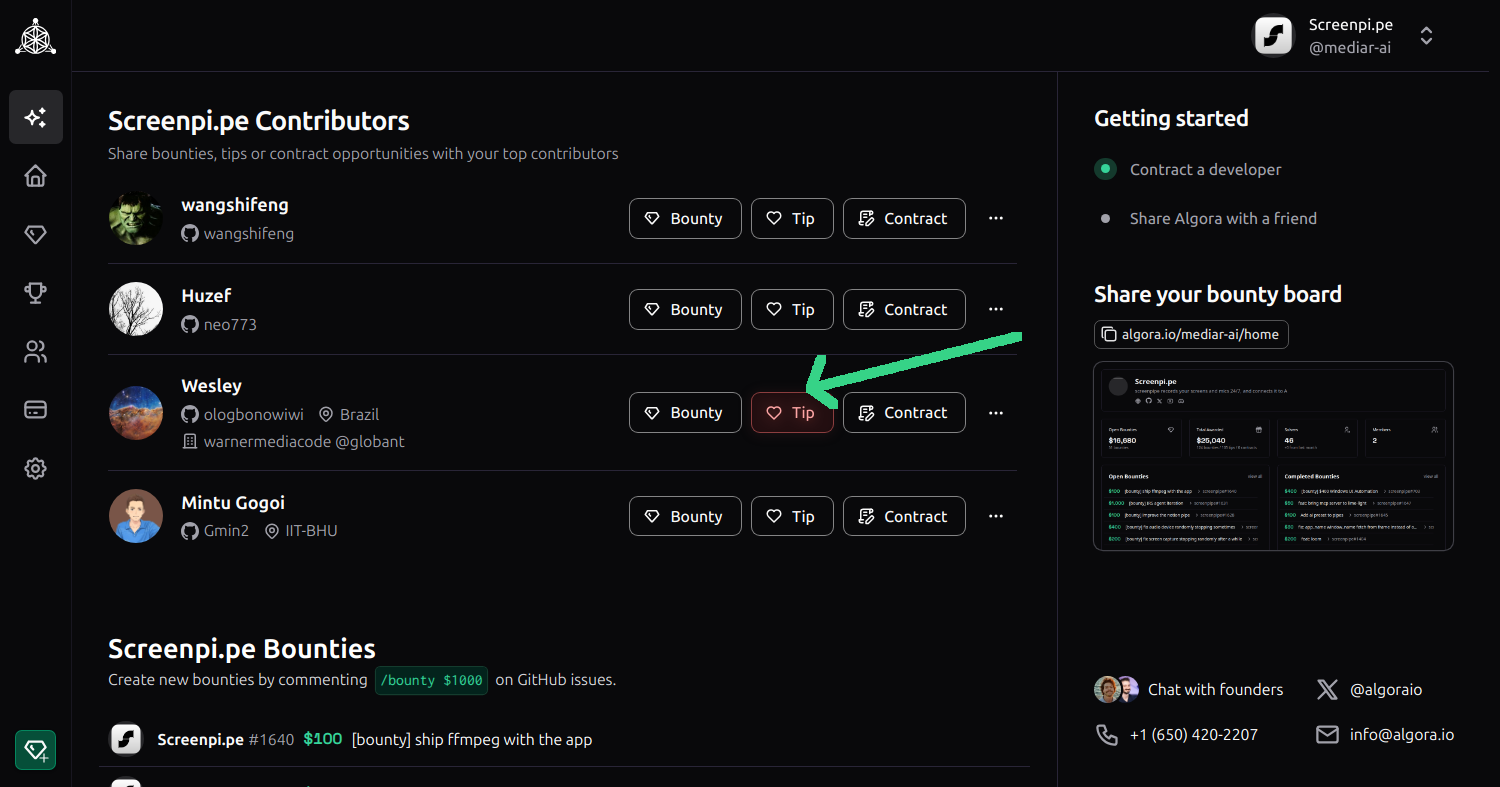
| open source community | reward open source contributors & maintainers |
| contractors | manage work and complete outcome based payments |
| job candidates | collaborate on paid projects for interviews |
| teammates | run an internal bounty program for fun and profit |
Algora.io, hosted by Algora Public Benefit Corporation, extends functionalities including:
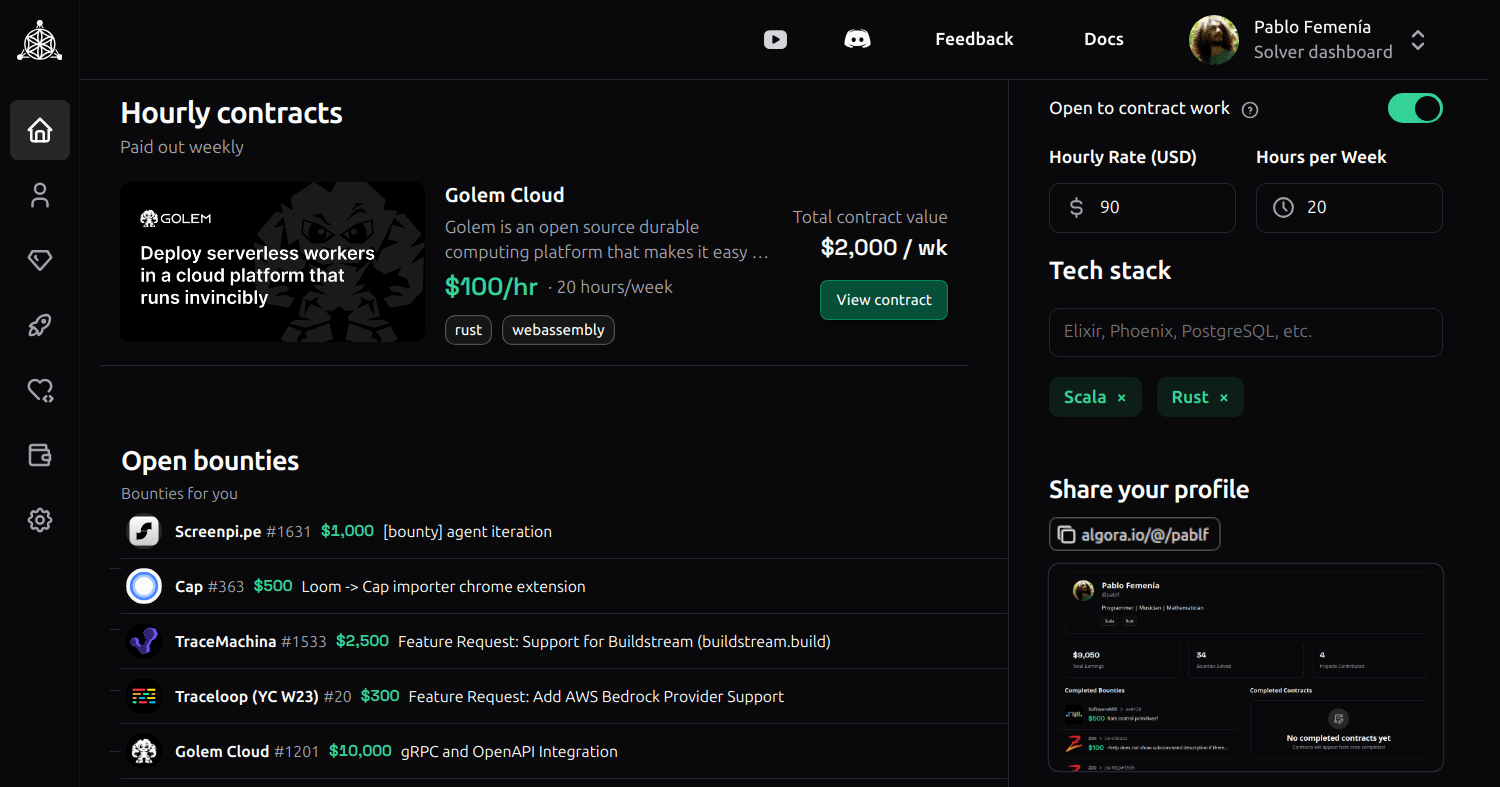
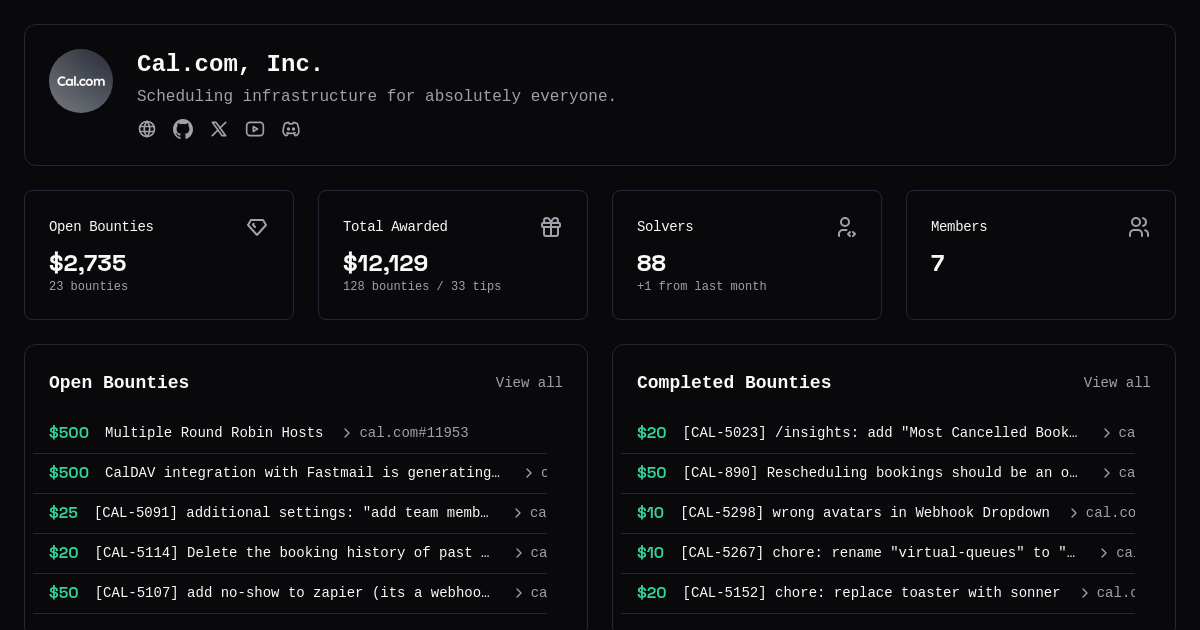
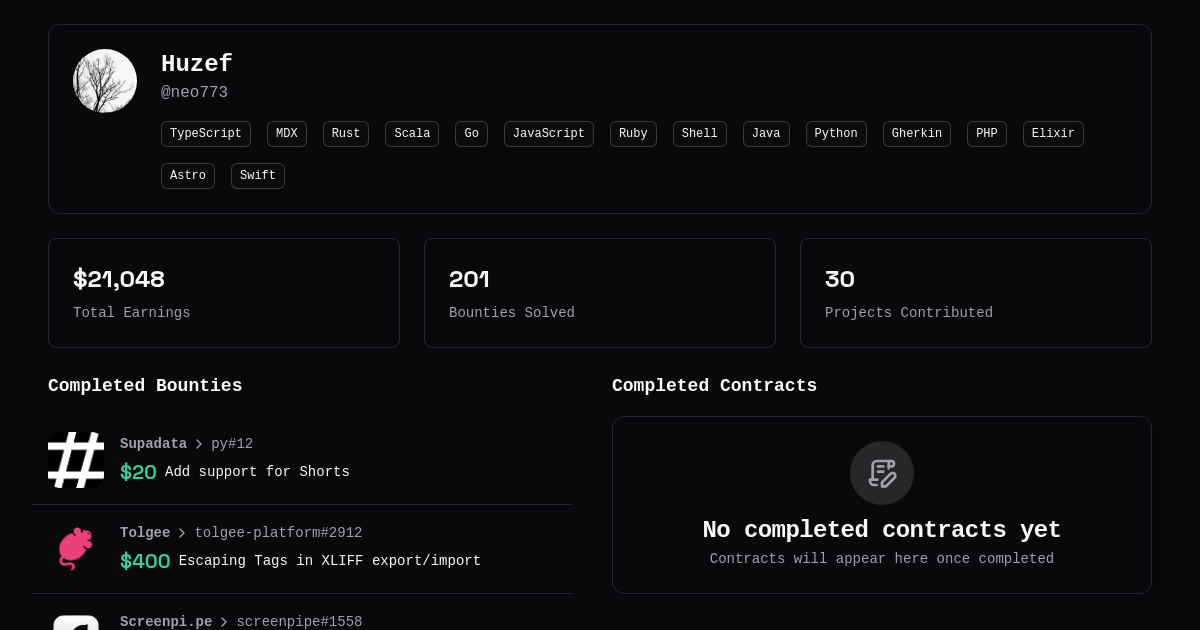
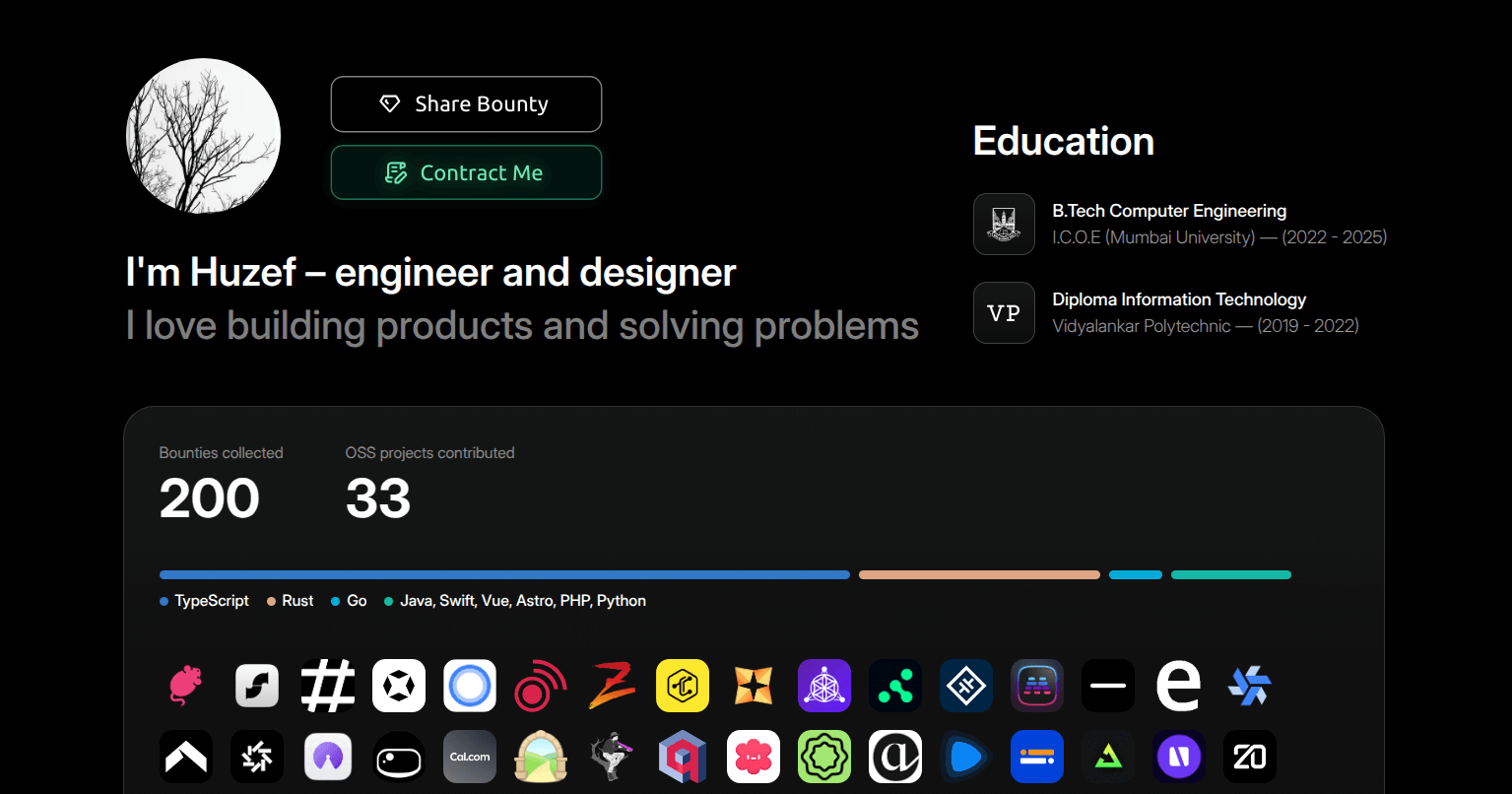
- developers' top OSS contributions are automatically displayed on their Algora profiles
- companies' job applicants are automatically screened & ranked for OSS contributions
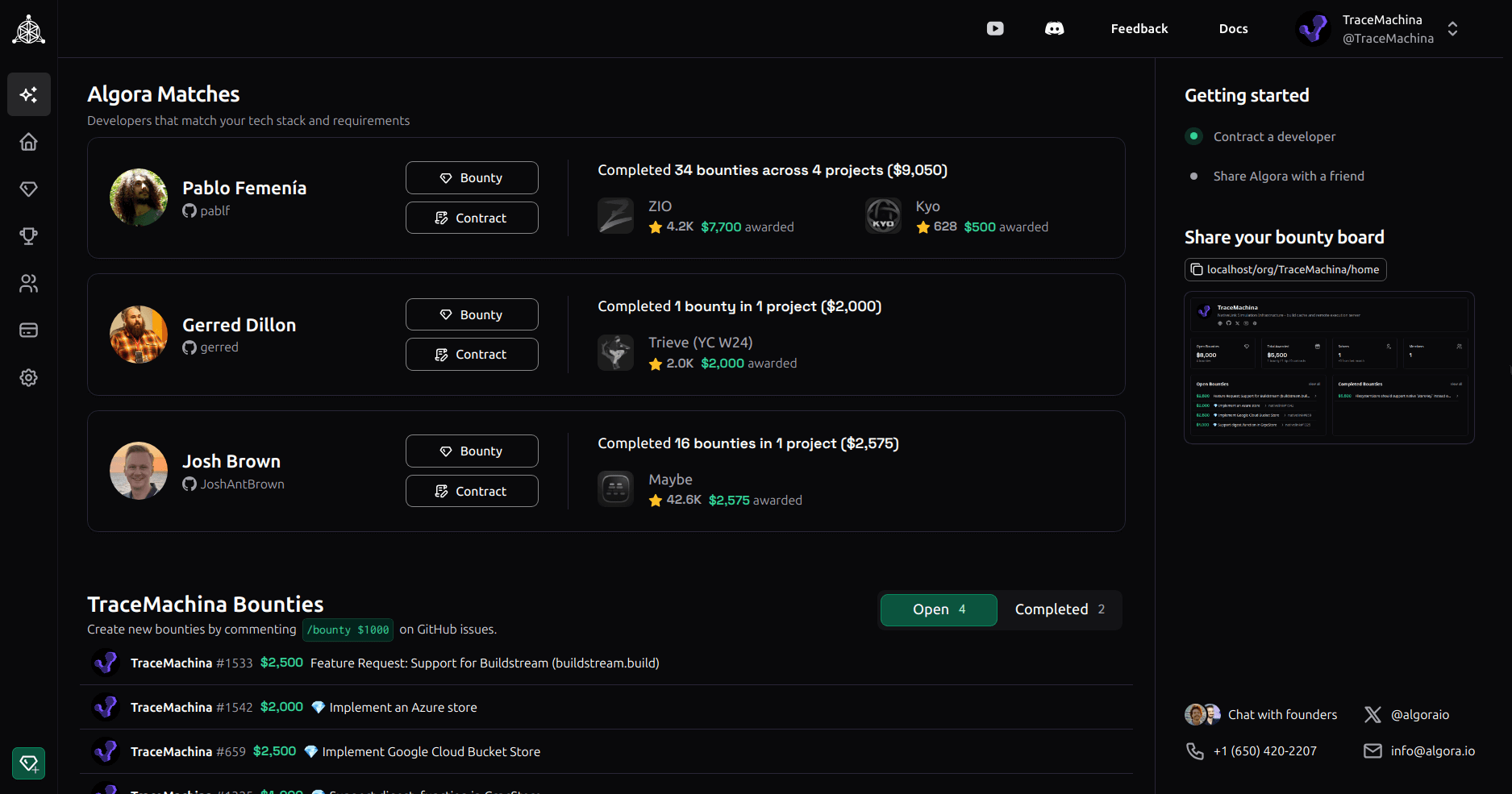
- companies and developers are automatically matched for full-time & contract work based on tech/budget/location preferences
Algora.io is a complete solution for sourcing, screening, interviewing & onboarding engineers to your team.
| Hiring process | Benefit |
|---|---|
| sourcing | publish jobs to 50K+ developers, access matches |
| screening | auto screen job applicants for OSS contributions |
| interviewing | trial your candidates using bounties & contracts |
| onboarding | contribute-first hires are productive on day 1 |
|
|
|
|
|
|
Roadmap & community requests
- Profile Embed
- Embeddable profile for GitHub and personal websites
- One-click bounty and contract sharing
- Apply Embed
- One-click apply embed for careers pages
- New payment/payout options
- Alipay, Wise, crypto etc.
- Localization of platform & matches
- New workflow integrations
- GitLab, Linear, Plane, Cursor etc.
- New clients
- Mobile, desktop, CLI
- Crowdfunding enhancements
Getting Started
Prerequisites
The easiest way to get up and running is to install and use Docker for running Postgres.
Make sure Docker, Elixir, Erlang and Node.js are all installed on your development machine. You can install Elixir and Erlang/OTP with ASDF from the project root as follows:
- Install ASDF
asdf plugin add erlangasdf plugin add elixirasdf plugin add pnpmasdf plugin add nodejsasdf install
We also recommend using direnv to load environment variables and entr to watch for file changes.
Setting up the project
-
Clone the repo and go to the project folder
git clone git@github.com:algora-io/algora.git && cd algora -
Initialize and load
.envcp .env.example .env && direnv allow .env -
Start a container with latest postgres
make postgres -
Install and setup dependencies
make install -
Start the web server inside IEx
make server -
(Optional) Watch for file changes and auto reload IEx shell in a separate terminal
make watch
Setting up external services
Some features of Algora rely on external services. If you're not planning on using these features, feel free to skip setting them up.
GitHub
Register new GitHub app and set
- Homepage URL: http://localhost:4000
- Callback URL: http://localhost:4000/callbacks/github/oauth
- Setup URL: http://localhost:4000/callbacks/github/installation
- Redirect on update: Yes
- Webhook URL: https://[your-public-proxy]/webhooks/github (e.g. ngrok, Cloudflare Tunnel)
- Secret: [generate new random string]
- Permissions:
- Read & write issues
- Read & write pull requests
- Read account email address
- Events: issues, pull requests, issue comment, pull request review, pull request review comment
Once you have obtained your client ID and secret, add them to your .env file and run direnv allow .env.
GITHUB_CLIENT_ID=""
GITHUB_CLIENT_SECRET=""
GITHUB_APP_HANDLE=""
GITHUB_APP_ID=""
GITHUB_WEBHOOK_SECRET=""
GITHUB_PRIVATE_KEY=""
Stripe
Create new Stripe account to obtain your secrets and add them to your .env file.
STRIPE_PUBLISHABLE_KEY=""
STRIPE_SECRET_KEY=""
STRIPE_WEBHOOK_SECRET=""
Object Storage
To host static assets, set up a public bucket on your preferred S3-compatible storage service and add the following credentials to your .env file:
AWS_ENDPOINT_URL_S3=""
AWS_REGION=""
AWS_ACCESS_KEY_ID=""
AWS_SECRET_ACCESS_KEY=""
BUCKET_NAME=""
Tunnel
To receive webhooks from GitHub or Stripe on your local machine, you'll need a way to expose your local server to the internet. The easiest way is to use a service like Cloudflare Tunnel or ngrok.
If you'd like to utilize our Cloudflare Tunnel GenServer to automatically run a tunnel when you start the app, you'll need to set up a named tunnel on your own domain:
cloudflared tunnel login
cloudflared tunnel create local
cloudflared tunnel route dns local http://local.yourdomain.com
And then add it to your .env file:
CLOUDFLARE_TUNNEL="local"
If you're using another service, make sure to start the tunnel manually in another terminal.